
Learn HQCS
HQCS is one software with many smart workflows. Choose where you work most often and start with one useful command.
Choose your workflow area and discover commands that save you time every day.
Plans, sections, elevations and core architectural drawings.
Approvals, area statements, FSI, setbacks and compliance.
Furniture, layouts, schedules, ceiling, electrical & more.
BOQ, material takeoff, estimation, and site execution drawings.
Electrical layouts, schematics, load calculations & more.
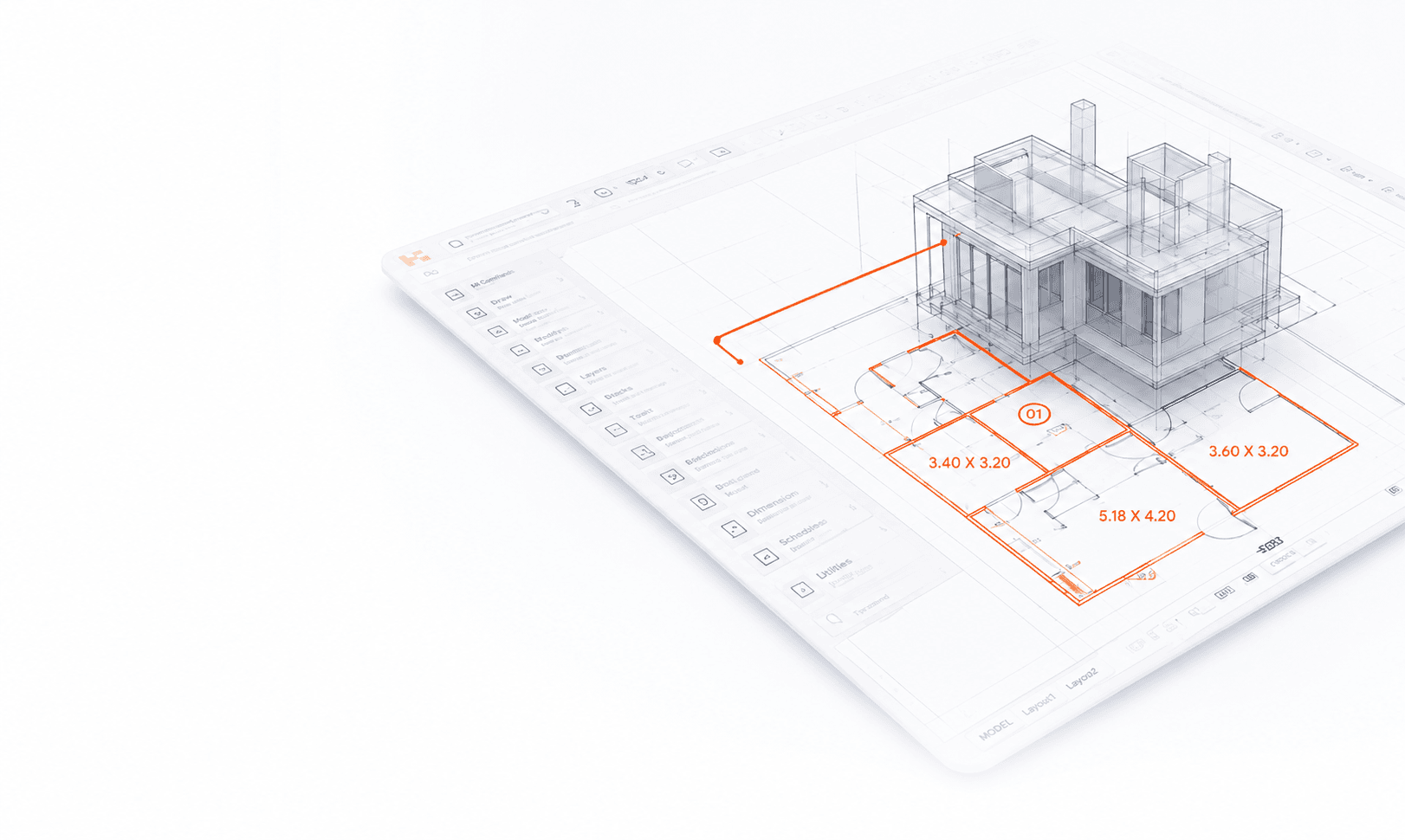
Automatically annotate all room sizes in your drawing. Save 15–20 minutes per plan.
Most watched and most helpful tutorials from the HQCS community.
Door & Window Automation
Room Size → MText Automation
Staircase Automation in Plan & Section
Wall Centerline Automation
Area Calculation from Closed Polyline
Follow curated paths and go from beginner to expert.
9 Lessons · 1.5 hrs
Essential commands every architect should know.
12 Lessons · 2.5 hrs
Master municipal drawings and approval workflows.
10 Lessons · 2 hrs
Create detailed interior drawings with ease.
11 Lessons · 2 hrs
BOQ, estimation and material takeoff made simple.
Become a Guide and help thousands of architects work smarter.
Learn by Doing
Practice with real examples and project files.
Learn at Your Pace
Short lessons. Real results. Anytime, anywhere.
Community Powered
Learn from experts and share your workflows.
Get Recognized
Contribute and grow as a Guide or Fellow.